
Start with the work that needs the most follow-up
Oprivia is ready to use. Start with guest registration, identity verification, guest requests, or cleaning and partner work orders. We configure the agreed modules and roles for your operation. Add other modules as your needs grow.
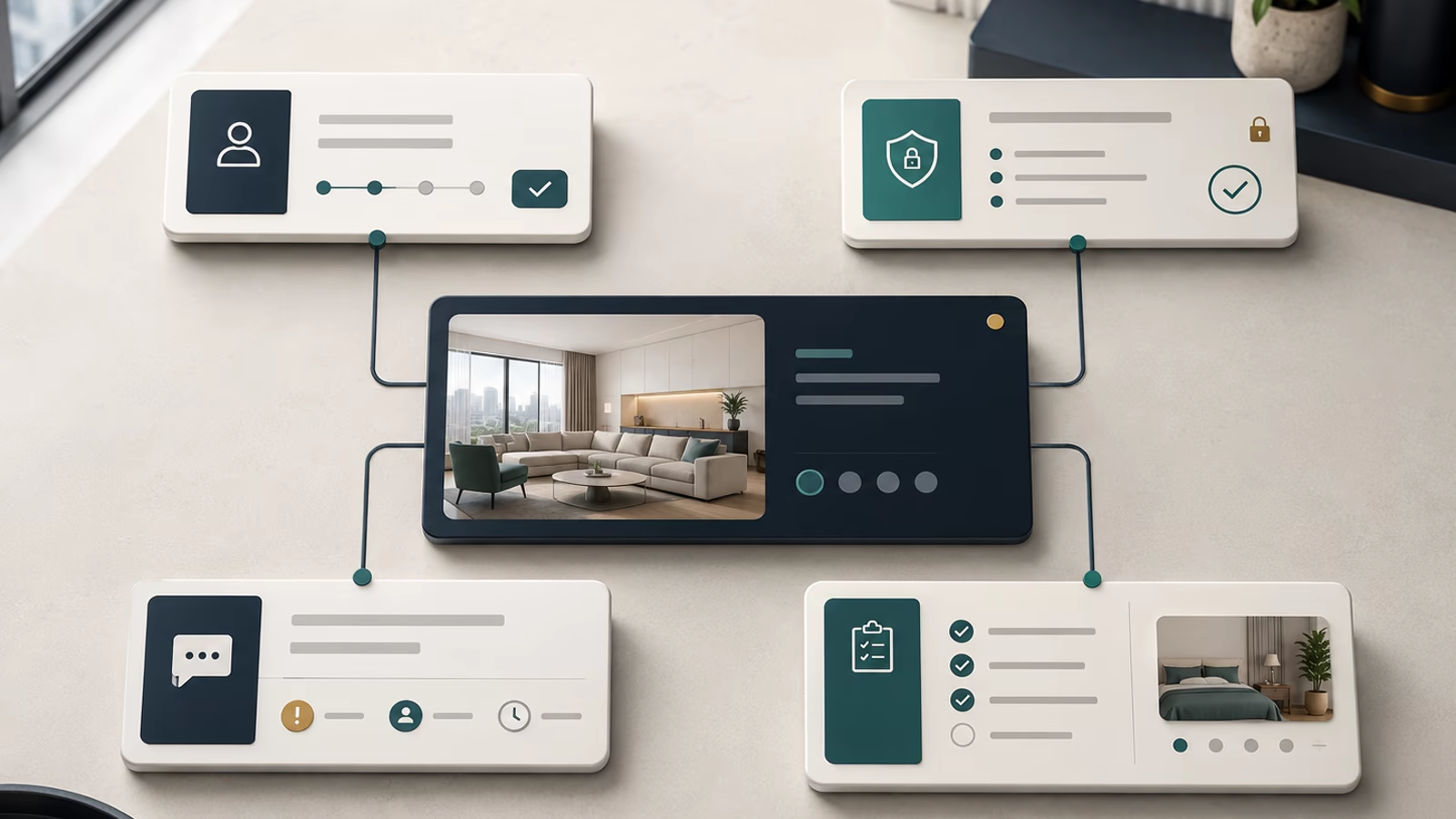
Which workflow needs attention first?
Not every module needs to be activated at once. The starting point is the area where questions, delays, rework or missing evidence currently create the greatest operational burden.
Guest registration
Capture required information completely and on time, and link it to the relevant stay.
Identity verification
Combine document, liveness, face-match, and sanctions-screening results in one traceable verification status.
Guest cases
Prioritize and assign reports, then track each one through to a documented outcome.
Service and partner work orders
Connect assignment, execution, evidence, rework, review, and closure.
Guest registration with less follow-up
With Oprivia’s digital guest registration module, hotels and other accommodation operators collect required guest information without relying on paper registration forms or disconnected forms. Oprivia guides guests through the agreed registration steps and links their information to the stay. Missing or inconsistent details can be followed up with the right person.
How are different requirements handled across locations? Before deployment, we establish the required information, responsible roles, deadlines, completion records, and submission routes for each location, together with the necessary configuration and interfaces. Registration status, the outcome of an identity check, and successful reporting to an authority remain separate matters. With tourism organizations, we assess whether local registration or guest-card workflows can be connected. Any such connection requires technical feasibility, a written agreement, and legal permissibility. QR-code delivery of a guest card is not currently part of the standard scope. The Swiss guest registration guide explains the practical steps.
- Benefit: Complete required information before arrival or the start of the stay.
- Typical cases: Invitation, data entry, question, correction and confirmation.
- Completion status: A clear registration status showing open, resolved and completed steps.
.avif)
.avif)
Verify guest identity and assess verification results
Through the verification provider connected to Oprivia, passports, national identity cards, driver’s licenses, and residence permits can be verified. We support more than 14,000 document types from over 220 countries and territories. The documents actually accepted depend on the issuing country and the activated workflow. Oprivia’s standard advanced guest identity process includes document verification, liveness detection, biometric face matching, age checks, and sanctions-list screening. The result is linked to the correct stay or user profile with a clear verification status.
A potential match does not trigger automatic rejection. In Supported Operations, Oprivia performs the initial expert review and records whether the result is a confirmed match, an unresolved case, or a false positive. At the customer’s request, this review can remain with an authorized compliance function on the customer side. Additional AML and PEP checks, business verification, and comparisons against country-specific government or other authoritative data sources can be activated where available, legally permitted, and agreed in writing. The final decision remains with the responsible party designated in the agreement.
- Benefit: Assess guest identity, document authenticity, and potential list matches within one traceable verification process.
- Typical cases: Passport and identity-document verification, liveness detection, face matching, age checks, sanctions-list screening, optional AML and PEP checks, country-specific database validation, and manual match review.
- Verification status: Verified, pending, rejected, or flagged for manual review.
Guest requests become cases, not chat messages
Oprivia links guest requests to a stay or property, priority, owner, deadline, and status. The case records the request, updates, and outcome. Where work on site is needed, the service work order defines the required work and evidence. The case owner remains responsible for guest communication and verified closure. The service partner management guide explains how acceptance deadlines, replacement providers, and review work together.
- Benefit: Assign, track and complete service cases clearly
- Typical cases: Technical issue, damage, additional request, question, handover, and escalation
- Documentation: Intake, ownership, history, response and outcome remain traceable
.avif)
.avif)
Service and partner work orders through documented closure
Oprivia supports property-linked work orders for cleaning, maintenance, and repairs. Time windows, checklists, ownership, and required photo or document evidence specify what needs to be completed and by when.
Acceptance, execution, and review remain distinct. Missing evidence, blocked work, and required corrections are documented in the work order history. An accepted cleaning assignment has therefore not yet been reviewed and closed. The cleaning quality guide explains how to define the standard and handover requirements.
The service-level and audit-trail example shows how case acknowledgment, work-order acceptance, execution, and reviewed closure fit together.
- Benefit: Manage recurring and event-driven services reliably and close them with reviewed evidence.
- Typical cases: Cleaning, laundry, property-maintenance work, repairs, photo documentation, rework, review, and closure.
- Assignment status: Offered → Accepted → In progress → Submitted for review → Reviewed and closed. “Blocked” and “Escalated” remain documented exception states.
Four modules, one shared record
Each module addresses a different bottleneck. The operational logic remains consistent: outcomes, records, and approvals stay linked to the relevant case, making completion traceable.
Capture
Information is recorded where it arises.
Connect
Each item is linked to a stay, property or assignment.
Process
Open items move through defined handling steps.
Review and close
Authorized roles review the required evidence, document approvals or exceptions, and confirm closure.
Which module addresses your bottleneck?
We align modules, roles, and setup with your operating model, property structure, and participants. Onboarding can begin with a limited regular deployment and expand later. If you want to evaluate a specific workflow first, we can agree on a pilot.