
Know what is done and where you need to act
Oprivia shows accommodation operators which tasks are open, who owns them, and which work has passed review. The governance and SLA platform connects guest registration, identity verification, guest requests, cleaning, and partner work orders with responsibilities, deadlines, and evidence. We agree on the scope for your operation and guide you through setup and onboarding.
Built by Adriano Walter Brander: several years of hands-on hosting in Basel and trade compliance experience across business processes in more than 100 countries.

The work that starts after a booking
Once a booking is confirmed, guest details need completing, cleaning needs organizing, and open requests need attention. Oprivia links this work to the relevant stay and the people responsible. Reservations, availability, and rates stay in the PMS or booking system. We assess which data needs to be transferred and which integrations are required for your existing workflows.
Booking channel: demand and reservations
Booking platforms generate demand, attract guests, and transmit reservations. Their primary role is to market and distribute available stays.
PMS: availability and administration
Property management systems (PMS) and channel managers typically manage reservations, availability, rates, units, and booking administration.
Oprivia: Governance and SLA Platform
Oprivia structures the operational work created by each booking: guest data, advanced guest identity verification with sanctions-list screening, service cases, housekeeping, partner assignments, evidence, approvals, escalations, and closure. Business verification and country-specific database checks can be added where agreed and available.
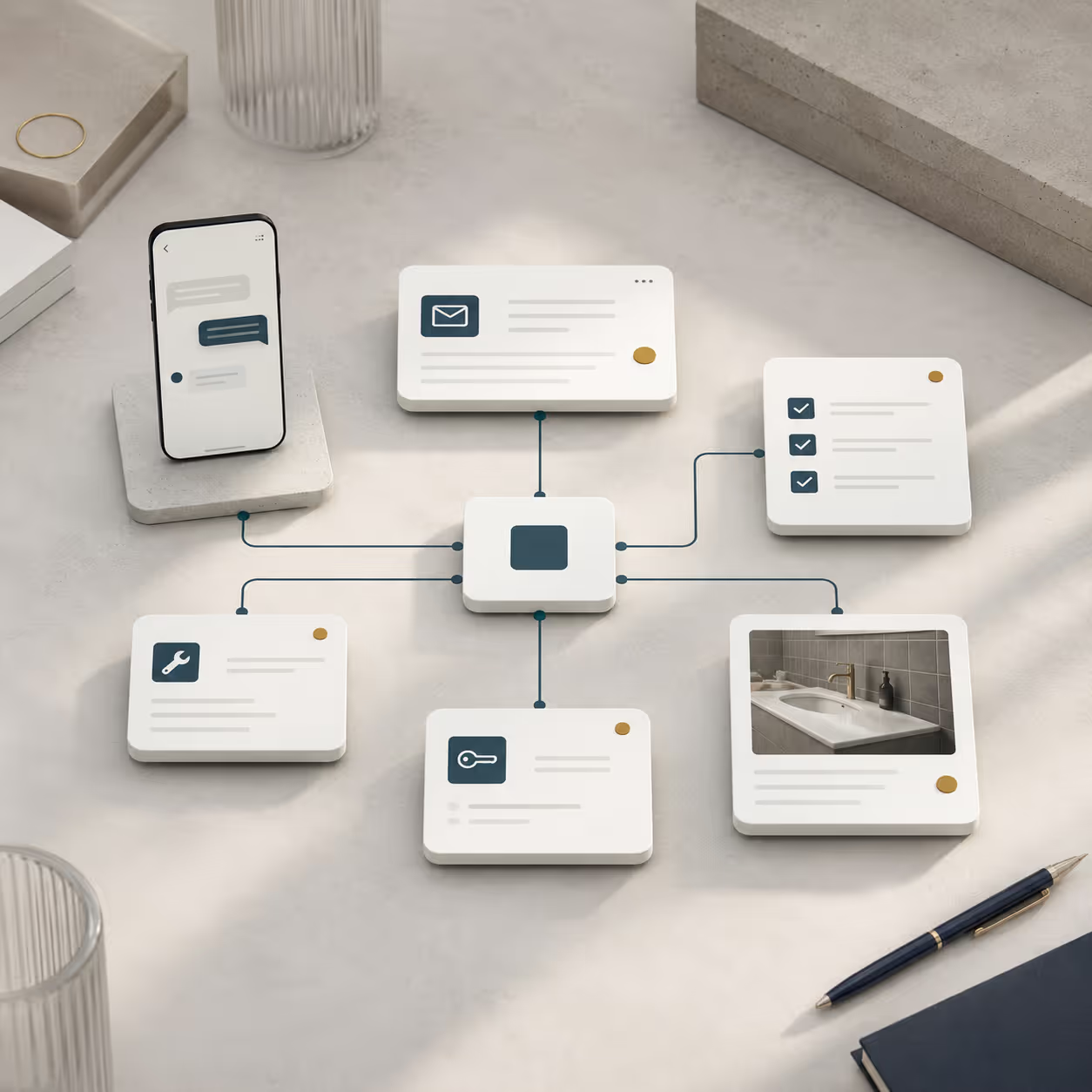
Five arrivals, three turnover cleans, and two damage cases in one day
Starting point
An operator manages ten apartments. On the same day, five guests arrive, three units require cleaning and two damage cases need follow-up. Required information is still missing for several stays; teams need time windows and checklists, photo evidence must be assigned to the correct case, and partner assignments require confirmation.
Operational breakdown
Without a shared operating logic, these steps are scattered across messages, emails, spreadsheets, photos, and separate tools. Status, ownership, and completion are difficult to track.
With Oprivia
Oprivia connects each stay to its related tasks, roles, deadlines, and evidence within one operational context. Recurring work is assigned and documented according to defined rules. Authorized users step in when deviations, approvals, or material decisions require human action.
Operational outcome
- Shared operating record: Guests, teams, and partners work in the same stay-related case.
- Clear accountability: Every open item has an owner, deadline, and visible next step.
- Evidence before closure: A case closes only when the required checklists, photos, approvals, and decisions are attached.
- Cross-property control: Exceptions, overdue items, and recurring risks become visible across the portfolio.
Oprivia for operators and service partners
Oprivia serves professional accommodation operators and their service partners. Hotels can manage guest registration and post-booking work digitally. With tourism organizations, we assess local registration and guest-card workflows. Booking platforms and hospitality software providers can add Oprivia as a separately agreed operating layer or apply for a reseller partnership.

Professional hosts
Structure guest registration, open issues, and cleaning handoffs without adding another management layer.

Business apartments
Keep required details, stay information, and service requests consistent when corporate guests change.

Serviced apartments
Coordinate turnover, housekeeping, remediation, and recurring handoffs across short operating windows.

Multi-unit operators
Align units, locations, teams and recurring cases through shared operating standards.

Service partners and providers
Cleaning, facility and service partners receive defined assignments, feedback routes and documented outcomes instead of scattered one-to-one messages.
People decide, Oprivia records
Oprivia separates data entry, execution, review and approval. Each role receives only the information and functions required for its specific responsibilities.
Rules, status changes and escalations can move the workflow forward. Sensitive, adverse or material decisions remain with authorized people and are documented transparently.
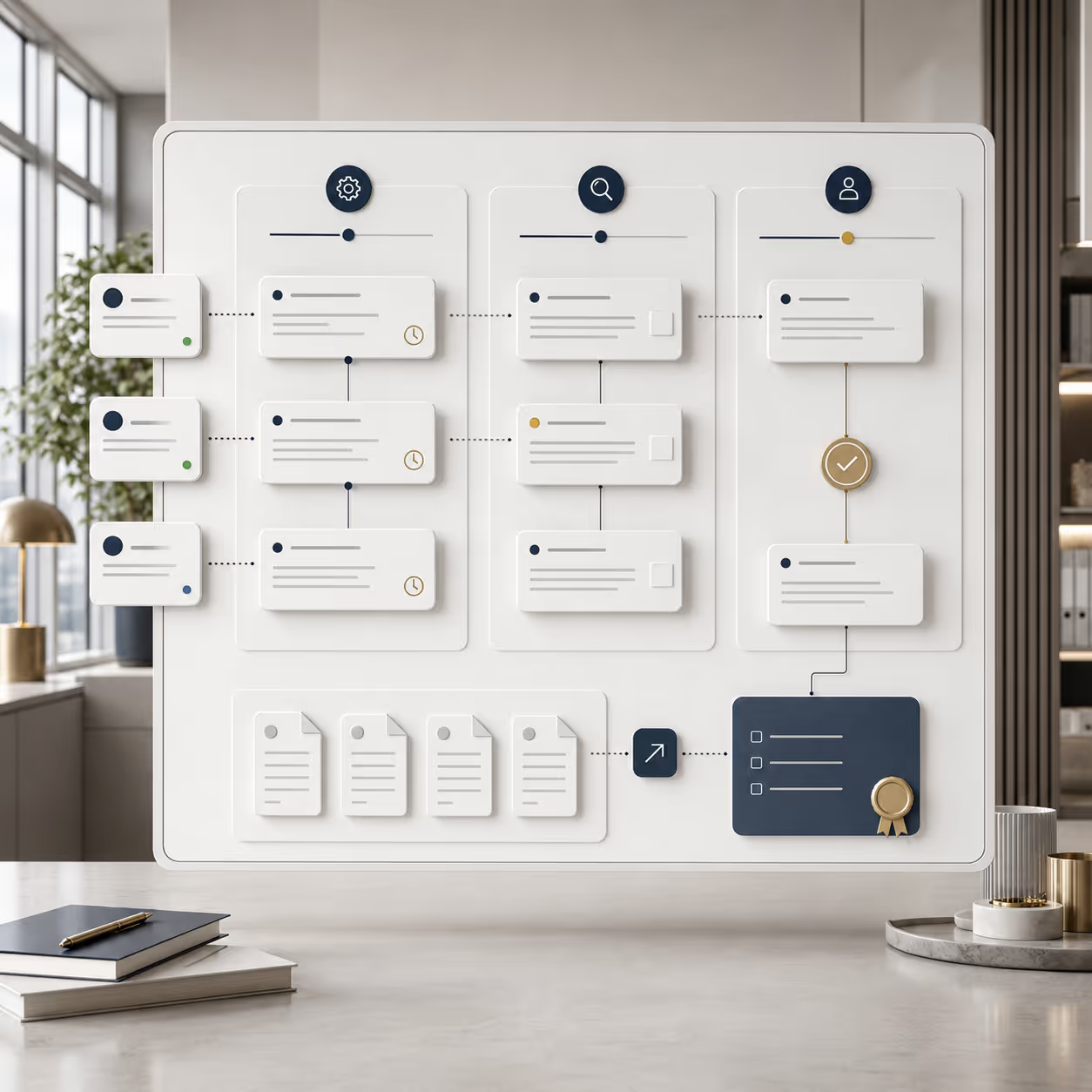
Four modules for daily operations
Oprivia can be introduced step by step. The initial module selection depends on your operating model, main bottleneck, and agreed scope of services.
Register guests
Request required information, track its completion, and connect it to the relevant stay.
Verify identity and required data
Verify travel documents, liveness, and face match, screen sanctions lists, and route potential matches for manual review.
Handle guest cases
Move questions, incidents, and damage reports from intake to resolution or a documented decision.
Manage service and partner work orders
Connect assignment, time window, execution, evidence, rework, review, and closure.
Experience with Oprivia
Start operating with Oprivia
Oprivia is ready for use. We agree on the modules, roles, workflows, and services for your operation, then set up access and guide your team through onboarding. You can start directly with the agreed scope or choose a clearly defined pilot first. Additional integrations and custom extensions are assessed and agreed separately.
Analysis
Analysis
Understand the operational use case
The initial discussion captures the property setup, recurring friction, involved roles and intended outcome.
.avif)
Setup
Setup
Define the scope
We agree on the modules, roles, workflows, services, and commercial terms. If you choose a pilot, we also define its scope and success criteria.
.avif)
Onboarding
Onboarding
Prepare your team and start
We configure the agreed access, roles, and workflows. Your team is introduced to the platform and starts handling the agreed types of work.
.avif)
Evaluation
Evaluation
Review and support operations
We review operating experience and any adjustments needed. Further modules or services can be agreed as required. If you choose a pilot, its defined criteria guide the decision on continued use.
.avif)
Which workflow would you like to improve first?
Describe a workflow you would like to manage with Oprivia. We will identify the relevant modules, agree on the scope of services, and plan onboarding. You can start directly with that scope or choose a clearly defined pilot first.