
Keep the case history clear through every handoff
A question, a photo, and an approval belong with the same work order. Oprivia keeps them linked to the relevant stay or property. Authorized team members can see the current status and next step when taking over, with access limited to their role.


One operational workspace after booking
Once a booking is confirmed, guest data, cleaning, service cases, partner coordination, exceptions, and completion records are often spread across separate tools. Oprivia keeps each item linked to the relevant stay, property, assignment, and accountable role.
- Information without a common reference
- Open items without clear ownership
- Time-critical issues without a reliable record
Managing reservations is not running operations
Booking platforms and property management systems (PMS) manage reservations, availability, and rates. The work that follows still requires guest information, identity checks, cleaning, partner coordination, exception handling and documented completion. Oprivia structures this operational layer. It connects tasks, roles, deadlines, evidence, and decisions to the relevant stay, property, or assignment. This separation is deliberate. Oprivia coordinates and documents operational execution after booking, while specialist systems continue to handle demand generation, reservations, distribution, and pricing. Case-specific legal, tax, and regulatory advice remains the responsibility of qualified professionals.
The guide to operational control after booking follows the process from a confirmed stay to documented closure.
- Guest registration and required stay data
- Identity checks and, where applicable, business verification
- Service cases, incidents and damage documentation
- Cleaning, turnover and partner assignments
- Checklists, photos, and evidence of completion
- Approvals, escalations and audit history
- Public listings and demand generation
- Reservations and availability
- Rate and revenue management
- Distribution through booking channels
- Case-specific legal, tax and regulatory advice
One controlled operating record for every role
Every open item is tied to a clear reference, an accountable role and a documented outcome.
Context
Context
The stay as the shared reference
Reservation, property and stay period define the reference for all subsequent work.
.avif)
Case
Case
Work with status and ownership
A clarification, task or deviation is managed as an actionable case with a status, accountable role and documented outcome.
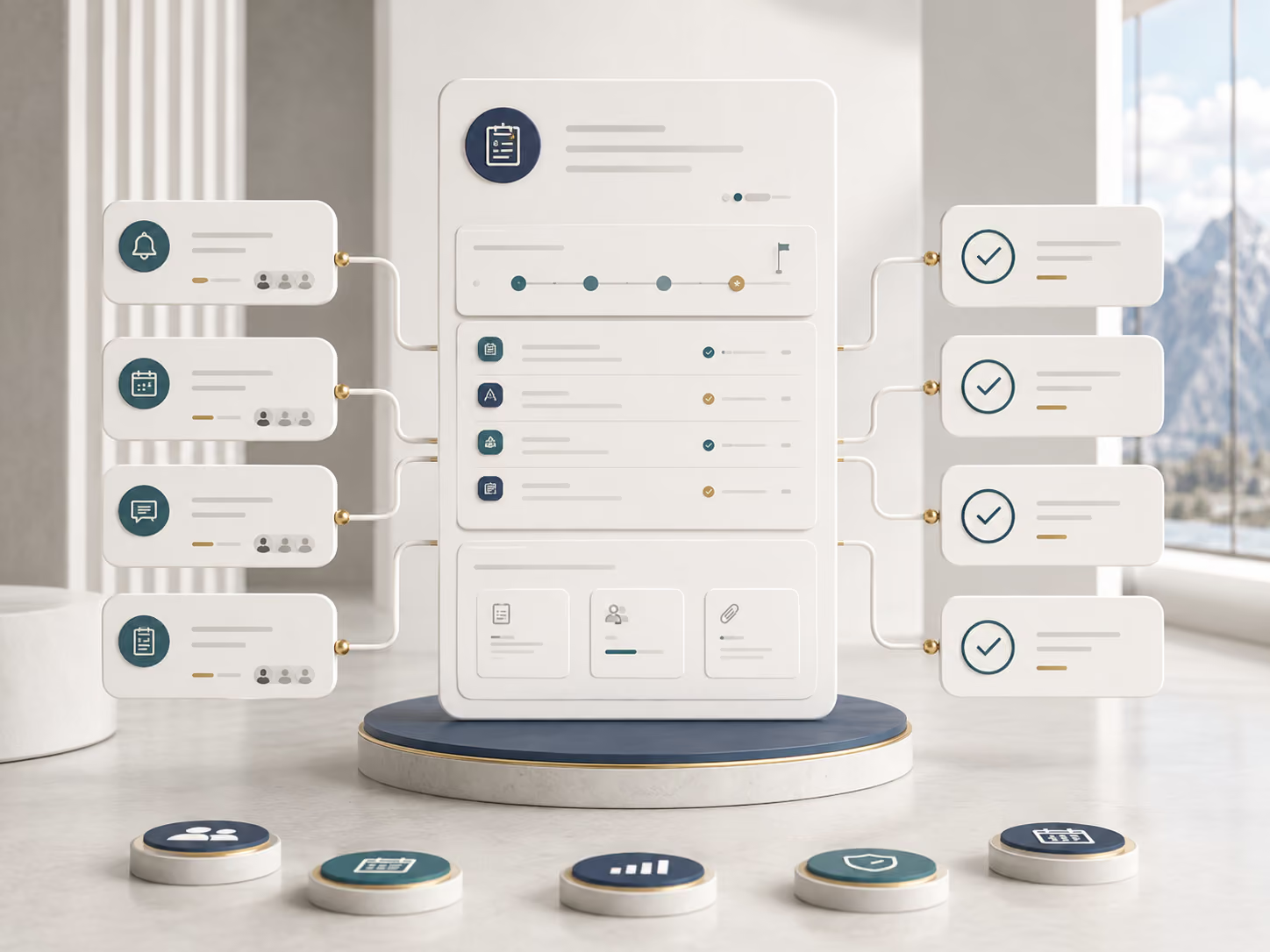
Permission logic
Permission logic
Access by role and context
Guests, hosts, operators and governance roles receive only the information and functions they need for the relevant case.
.avif)
Record
Record
Keep changes traceable
Updates, approvals and corrections are added to the record without overwriting what came before.
.avif)
Four roles, each with defined access
All participants work from the same underlying case record. Which data, tasks and functions appear depends on the responsibility assigned to each role.
.avif)
Guest
Completes required details, reports issues, and receives updates and documented outcomes for the relevant stay.
.avif)
Host
Manages properties, prioritizes outstanding work, and coordinates internal teams and external service providers.
.avif)
Operator
Handles assigned work, updates the case status, and adds the required records.
.avif)
Governance
Reviews exceptions, supports escalations, and records approvals and material decisions.
Approvals only within the defined context
Role alone does not create unrestricted access. Organization, property and the specific case record also determine which data and functions are available.
Guests see their own stay. Operators see assigned work. Hosts see the areas relevant to their properties or portfolio. Control and approval functions remain restricted to designated roles.
Undefined permissions are denied by default. Execution, review and approval can therefore be separated organizationally and technically.
Access by role, organization, property and case
Minimum information per task
Separation of execution, review and approval
Recorded actions and status changes
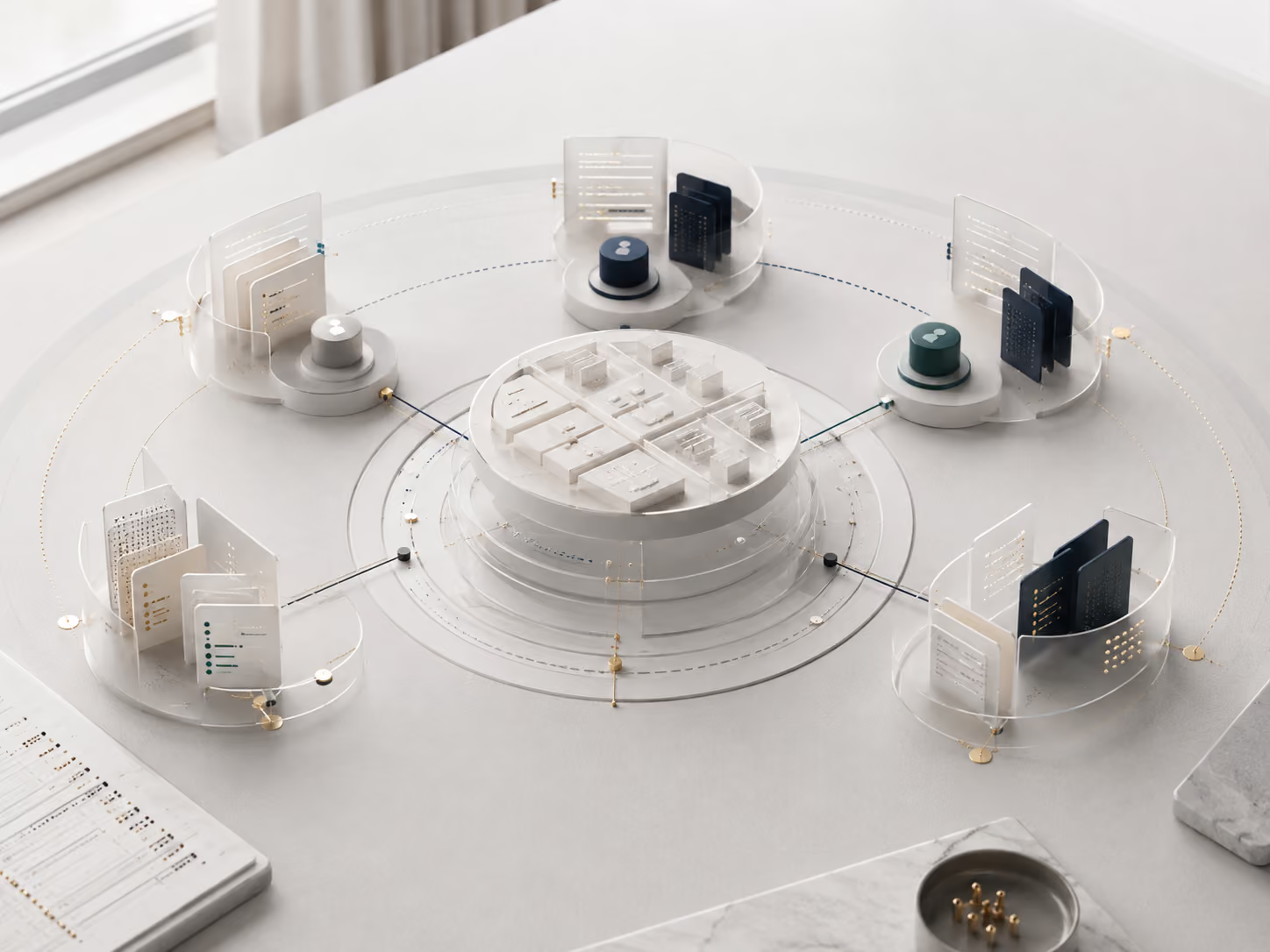
Architecture across all modules
The platform preserves the operational logic: which data belongs to which stay, who may see which information, which action was triggered, and how the workflow status has changed.
.avif)
Connected data model
Stays, properties, people, and case records remain distinct. Clear relationships link them without merging them into an opaque master record. Each item retains its source and purpose, so it does not need to be recreated in every module.
.avif)
Access control by role and context
Role alone does not create unrestricted access. Organization, property, and the specific case record also determine which data and functions are available. Access is denied by default unless explicitly granted. Execution, review, and approval can therefore be separated organizationally and technically.
.avif)
Continuous audit trail
Relevant actions are added as new entries in a continuous event record. Earlier entries are retained, while corrections and later findings are recorded as separate events. This preserves the distinction between the original sequence and later updates.
.avif)
Rules by operating model
Status changes, time windows, reminders and escalations can be defined according to the agreed operating or pilot model.
The underlying architecture remains stable while rules are adjusted to the specific use case.
Public website, protected platform
The website explains how the product works, including its modules, operating models, and governance. Personal data and live operational cases are handled only in the protected application on a separate platform domain. Authorized users sign in with personal credentials. Available data and functions depend on role, organization, property, and assignment. Access is activated for approved users within the agreed operational or pilot scope.

Bring scattered workflows together
Describe where information, responsibilities, or time-critical issues are scattered today. We define the appropriate scope and configure Oprivia with you. You can start regular operations or agree on a clearly limited pilot.